Documentation Index
Fetch the complete documentation index at: https://setup.cevro.ai/llms.txt
Use this file to discover all available pages before exploring further.
The full power of Cevro’s HART AI engine is unleashed when integrated with your casino back-office platform. This integration allows the AI agent to access comprehensive player data, enabling advanced reasoning and decision-making that automates ticket resolution end-to-end.
Integration Options
Cevro supports two primary integration paths:
| Option | Best For |
|---|
| Marketplace Integration | Brands on SoftSwiss, EveryMatrix, BetConstruct, etc. |
| Custom API Integration | Brands with custom platforms or specific requirements |
Marketplace Integrations
Cevro supports native integrations with several iGaming platforms via secure embedded authentication flows. These allow your AI agent to securely access player data and execute actions without requiring custom API development.
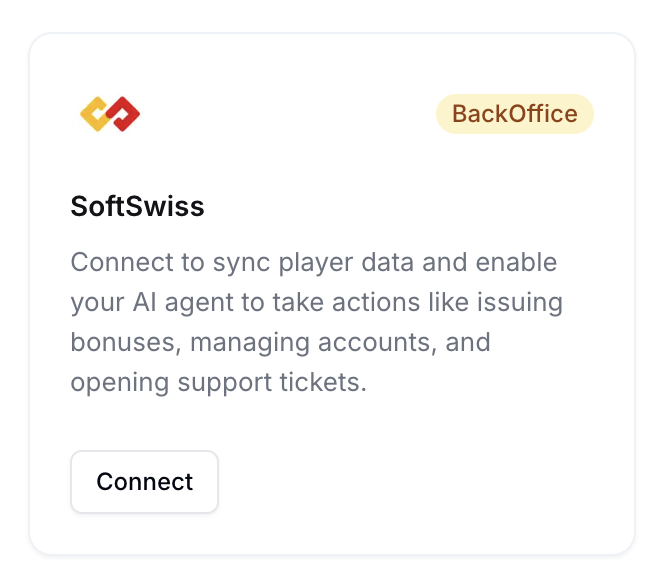
- SoftSwiss
- EveryMatrix
- BetConstruct
- More coming soon
Integration Flow
-
Provision a Dedicated Support Seat
- Create a new customer support user in your back-office platform
- Assign relevant permissions (view transactions, bonuses, notes, etc.)
-
Connect via Cevro Dashboard
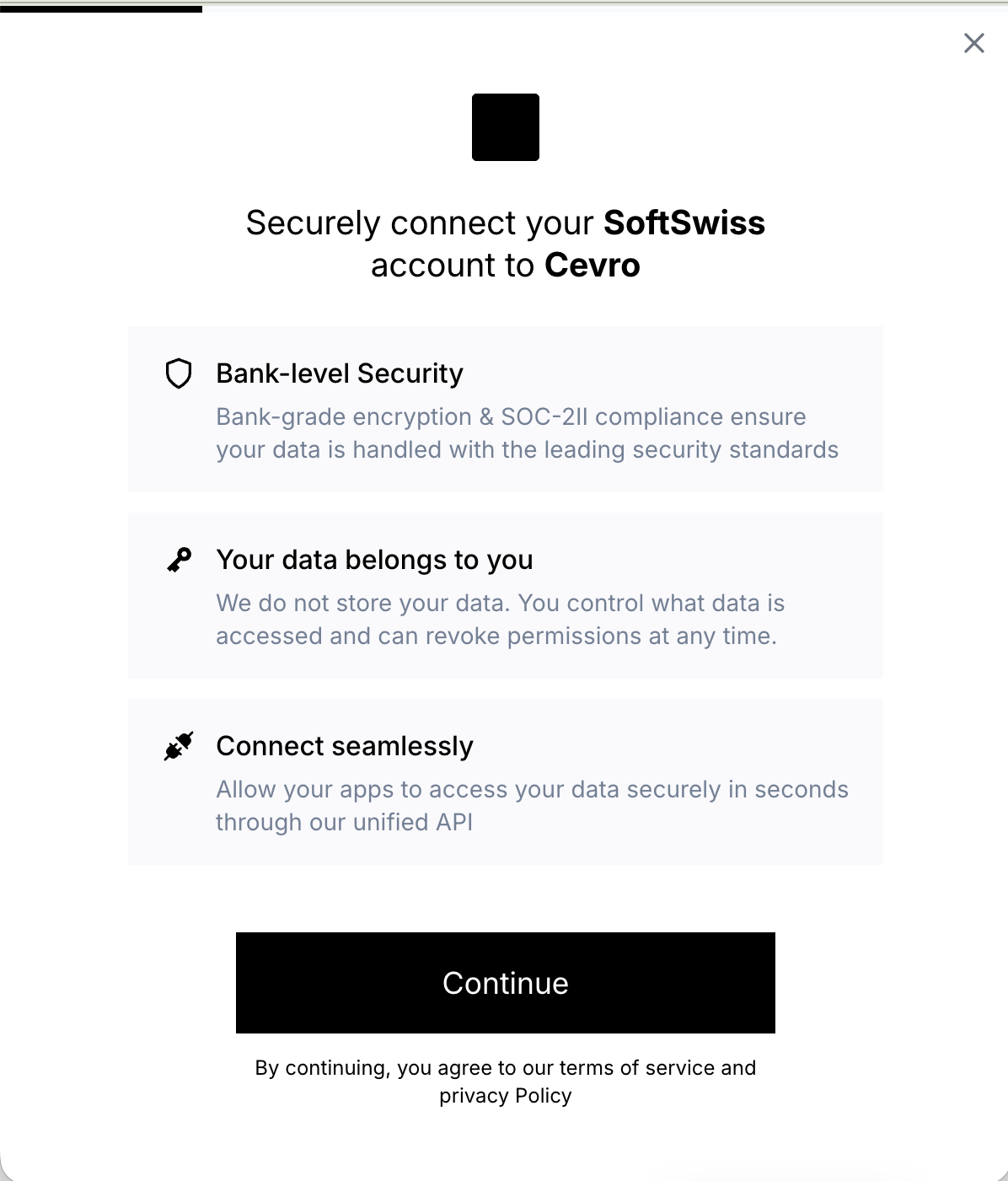
- Go to Settings → Integrations
- Click Connect on your platform
- Authenticate using the credentials for the Cevro agent seat
-
Security & Access Control
- Access is scoped and revocable
- IP whitelisting may be required by your platform
-
Configuration
- Your CSM will assist with field mapping and validate SOP alignment
Marketplace integrations don’t require custom API development.
Custom API Integration
For brands with custom platforms, Cevro connects directly to your back-office APIs. This allows complete flexibility in how player data is structured and accessed.
Our Philosophy
You build whatever endpoints work for your platform. We make it work.
This documentation is a framework reference, not a rigid contract. What matters:
- Field names are flexible — Call it “withdrawals” or “cashouts”; Cevro normalizes whatever you return
- Start with impact — Cover highest-value SOPs first (withdrawals, deposits, bonuses)
- Return what you have — Skip unavailable fields; include extra useful ones
- Data types aren’t strict — Clear values and consistent meanings matter more than format
Reference Implementation
We provide a gold-standard mock API that demonstrates the data structures and endpoint patterns HART expects. Try it in the API Playground to see example requests and responses for each endpoint.
Authentication
API-Level Authentication
All endpoints should require secure authentication via Bearer token:
Authorization: Bearer your_api_token
Player-Level Authentication
For player-specific data, Cevro supports a dual-auth pattern:
- API Token — Authenticates Cevro’s access to your system
- Session ID — Scopes access to a specific player
# Step 1: Authenticate player (typically via email, player_id, or DPA flow)
POST /v1/auth/player/login
Authorization: Bearer api_token
Content-Type: application/json

{
  "email": "[email protected]"
}

# Response
{
  "success": true,
  "session_id": "sess_a1b2c3d4-e5f6-7890-abcd-ef1234567890",
  "player_id": "5832",
  "expires_in": 3600
}

# Step 2: Use session for subsequent requests
GET /v1/players/5832/balances
Authorization: Bearer api_token
X-Session-ID: sess_a1b2c3d4-e5f6-7890-abcd-ef1234567890
Sandbox workspaces: New workspaces come pre-configured with a mock back-office API. The mock login accepts any email address — unknown emails auto-create a player so you can start testing immediately. Use [email protected] to test auth failures or [email protected] to test suspended accounts. Frontend integration
To improve ticket resolution speed and reduce friction, Cevro supports passing the player_id directly from your frontend when a user is logged in. This reduces authentication steps and enables contextual replies from the first message.
How you pass this context depends on which widget you use.
Use the Cevro Messenger SDK to pass player identity from your logged-in frontend.
Add the embed snippet to your site, including the player object with your authenticated user’s data:
<script>
  (function(){
    window.cevroSettings = {
      workspaceId: 'YOUR_WORKSPACE_ID',
      brandId: 'YOUR_BRAND_ID',
      player: {
        playerId: 'abc123',
        email: '[email protected]',
        firstName: 'John',
        lastName: 'Doe',
        playerHash: 'hmac-hash-for-verification'
      }
    };
    var c = function(){c.q.push([].slice.call(arguments))};
    c.q = [];
    window.Cevro = c;
    var s = document.createElement('script');
    s.src = 'https://cdn.cevro.ai/loader.js';
    s.async = true;
    document.head.appendChild(s);
  })();
</script>
Cevro('identify', {
  playerId: 'abc123',
  email: '[email protected]',
  firstName: 'John',
  playerHash: 'hmac-hash-for-verification'
});
Note: Player data is only accepted from whitelisted domains configured in your Cevro dashboard.
Add the same fields as custom attributes or conversation fields on your helpdesk widget. Once passed through, contact your CSM so they can map the fields to your auth configuration.
API Reference
These are common endpoint patterns we’ve seen work well across casino integrations. Use what makes sense for your platform.
Entity Organization
| Entity | Purpose |
|---|
| Players | Core profile, balances, KPIs |
| Transactions | Financial audit log |
| Withdrawals | Withdrawal history and cancellation |
| Deposits | Deposit history |
| Bonuses | Issue/cancel bonuses |
| KYC | Verification status |
| Responsible Gaming | RG limits and closures |
| Notes | Agent notes on accounts |
Player Profile
Endpoint: GET /v1/players/{playerId}
Returns the complete player profile with balances and KPIs.
Response:
{
  "id": "5832",
  "name": "Michael Rodriguez",
  "email": "[email protected]",
  "phone": "+49 174 1234567",
  "currency": "EUR",
  "registration_date": "2024-03-15T10:30:00Z",
  "kyc_status": "approved",
  "balances": {
    "total_balance": 150.00,
    "cash_balance": 100.00,
    "bonus_balance": 50.00,
    "withdrawable_balance": 100.00,
    "pending_withdrawal": 0
  },
  "kpi": {
    "active_bonus": true,
    "wr": 250.00,
    "ltd": 2500.00,
    "ltw": 1200.00,
    "ltnc": 1150.00
  },
  "segments": ["VIP", "High_Depositors"]
}
kyc_status: Current verification statusbalances: Real-time balance breakdownkpi.wr: Wagering requirement remainingkpi.ltd/ltw/ltnc: Lifetime deposits, withdrawals, net casino
Balances
Endpoint: GET /v1/players/{playerId}/balances
Returns detailed balance breakdown including active bonus info.
Response:
{
  "total_balance": 150.00,
  "cash_balance": 100.00,
  "bonus_balance": 50.00,
  "withdrawable_balance": 100.00,
  "pending_withdrawal": 0,
  "currency": "EUR",
  "active_bonus": {
    "id": "pb_abc123",
    "name": "Welcome Bonus",
    "amount": 50.00,
    "wager_requirement": 500.00,
    "wagered_amount": 250.00,
    "remaining_wager": 250.00
  }
}
Transactions
Endpoint: GET /v1/players/{playerId}/transactions
Returns transaction history with filtering support.
Query Parameters:
event_type: Filter by type (deposit, withdrawal, bonus, bet, win)from_date / to_date: Date range filterlimit / offset: Pagination
Response:
{
  "transactions": [
    {
      "id": "txn_abc123",
      "date": "2024-06-20T14:30:00Z",
      "event_type": "deposit",
      "event_name": "Deposit Completed",
      "amount": 100.00,
      "currency": "EUR",
      "status": "completed",
      "payment_method": "Credit Card"
    }
  ],
  "total": 45,
  "has_more": true
}
Transaction Summary (KPIs)
Endpoint: GET /v1/players/{playerId}/transactions/summary
Returns aggregated transaction statistics.
Response:
{
  "lifetime_deposits": 2500.00,
  "lifetime_withdrawals": 1200.00,
  "lifetime_net_casino": 1150.00,
  "total_deposits": 2500.00,
  "total_withdrawals": 1200.00,
  "deposit_count": 8,
  "withdrawal_count": 3,
  "currency": "EUR"
}
Withdrawals
Endpoint: GET /v1/players/{playerId}/withdrawals
Returns withdrawal history.
Endpoint: GET /v1/players/{playerId}/withdrawals/pending
Returns only pending withdrawals (for cancellation scenarios).
Endpoint: POST /v1/players/{playerId}/withdrawals/{withdrawalId}/cancel
Cancels a pending withdrawal.
Request:
{
  "reason": "Player requested cancellation"
}
{
  "success": true,
  "withdrawal": {
    "id": "wd_abc123",
    "amount": 200.00,
    "status": "cancelled",
    "cancelled_reason": "Player requested cancellation"
  }
}
Deposits
Endpoint: GET /v1/players/{playerId}/deposits
Returns deposit history with filtering.
Endpoint: GET /v1/players/{playerId}/deposits/summary
Returns deposit statistics (count, total, average, last deposit date).
Bonuses
Endpoint: GET /v1/players/{playerId}/bonuses
Returns player’s bonus history.
Endpoint: GET /v1/players/{playerId}/bonuses/eligible
Returns bonuses the player is currently eligible to receive.
Response:
{
  "eligible_bonuses": [
    {
      "bonus_type_id": "bt_reload",
      "name": "Reload Bonus",
      "code": "RELOAD25",
      "description": "25% reload bonus up to €50",
      "benefit_type": "Bonus Money",
      "amount": 50.00,
      "wager_requirement": 30,
      "reason": "Player has no active bonus"
    }
  ]
}
POST /v1/players/{playerId}/bonus
Issues a bonus to the player.
Request:
{
  "bonus_type_id": "bt_welcome",
  "amount": 50.00,
  "reason": "Manual credit by support",
  "added_by": "Support Agent"
}
POST /v1/players/{playerId}/cancel-bonus
Cancels active bonuses.
KYC (Know Your Customer)
Endpoint: GET /v1/players/{playerId}/kyc
Returns full KYC status and document list.
Response:
{
  "player_id": "5832",
  "status": "pending",
  "level": "basic",
  "documents": [
    {
      "id": "doc_abc123",
      "type": "id_card",
      "status": "submitted",
      "submitted_at": "2024-06-15T10:00:00Z"
    },
    {
      "id": "doc_def456",
      "type": "proof_of_address",
      "status": "not_submitted"
    }
  ],
  "required_documents": ["proof_of_address"]
}
Responsible Gaming
Endpoint: GET /v1/players/{playerId}/responsible-gaming
Returns full RG status including closure and limits.
Response:
{
  "player_id": "5832",
  "rg_closed": false,
  "closure": null,
  "limits": [
    {
      "type": "deposit_weekly",
      "limit_amount": 500.00,
      "used_amount": 200.00,
      "remaining_amount": 300.00,
      "period_end": "2024-06-23T23:59:59Z"
    }
  ]
}
GET /v1/players/{playerId}/responsible-gaming/closed
Simple boolean check for RG closure.
Response:
{
  "player_id": "5832",
  "rg_closed": false
}
Notes
Endpoint: GET /v1/players/{playerId}/notes
Returns admin notes on the player account.
Endpoint: POST /v1/players/{playerId}/notes
Creates a new note.
Request:
{
  "type": "Support",
  "text": "Player requested withdrawal cancellation and bonus instead",
  "pinned": false
}
Error Handling
All errors should follow a consistent format:
{
  "error": "PLAYER_NOT_FOUND",
  "message": "Player not found",
  "request_id": "req_1706123456789"
}
Common Error Codes
| Code | HTTP Status | Description |
|---|
UNAUTHORIZED | 401 | Invalid API token |
INVALID_SESSION | 401 | Session expired or invalid |
PLAYER_NOT_FOUND | 404 | Player ID does not exist |
BALANCE_INSUFFICIENT | 400 | Not enough balance |
WITHDRAWAL_CANNOT_CANCEL | 400 | Withdrawal not cancellable |
Testing Your Integration
- Explore the API Playground to understand expected request/response patterns
- Configure operations in the Cevro dashboard pointing to your endpoints (see Custom Integrations)
- Test in the Preview tab with sample player scenarios
- Review with your CSM before going live
Support
Questions about your integration?

