

Documentation Index
Fetch the complete documentation index at: https://setup.cevro.ai/llms.txt
Use this file to discover all available pages before exploring further.
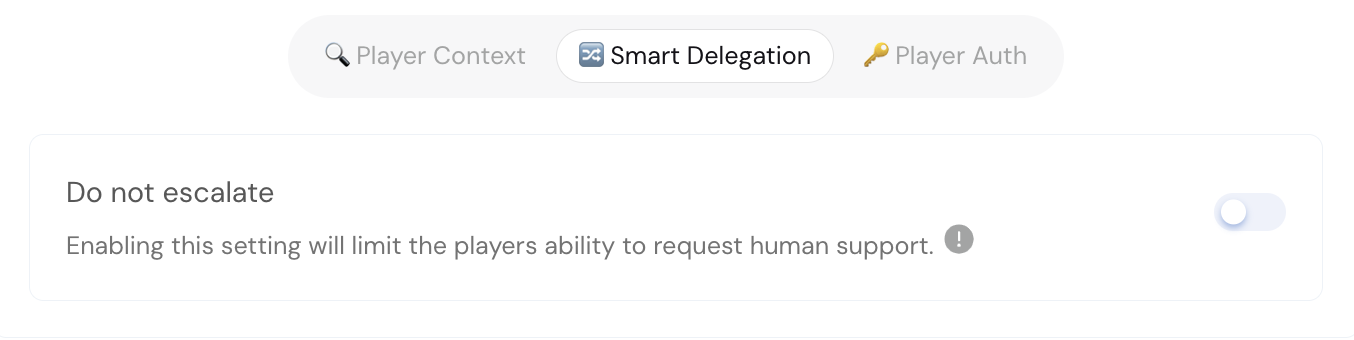
When to Use This
Not all escalation requests are actionable. Sometimes a player demands a human even though:- The correct answer has already been given
- No human could provide a different outcome
- Company policy is clear and non-negotiable
How It Works
When Do Not Escalate is enabled on an AIP:- Cevro handles the conversation normally
- If circumstances would normally trigger escalation (frustration, repeated requests for human)
- Cevro evaluates whether escalation would be productive
- If not, Cevro contains the conversation using your containment message
Do Not Escalate only affects “insistence escalation”—situations where the player is frustrated but the answer won’t change. It doesn’t block escalation for genuine knowledge gaps, technical errors, or responsible gaming concerns.
Setting Up Containment
When you enable Do Not Escalate, you can configure a containment message—the response Cevro uses when containing.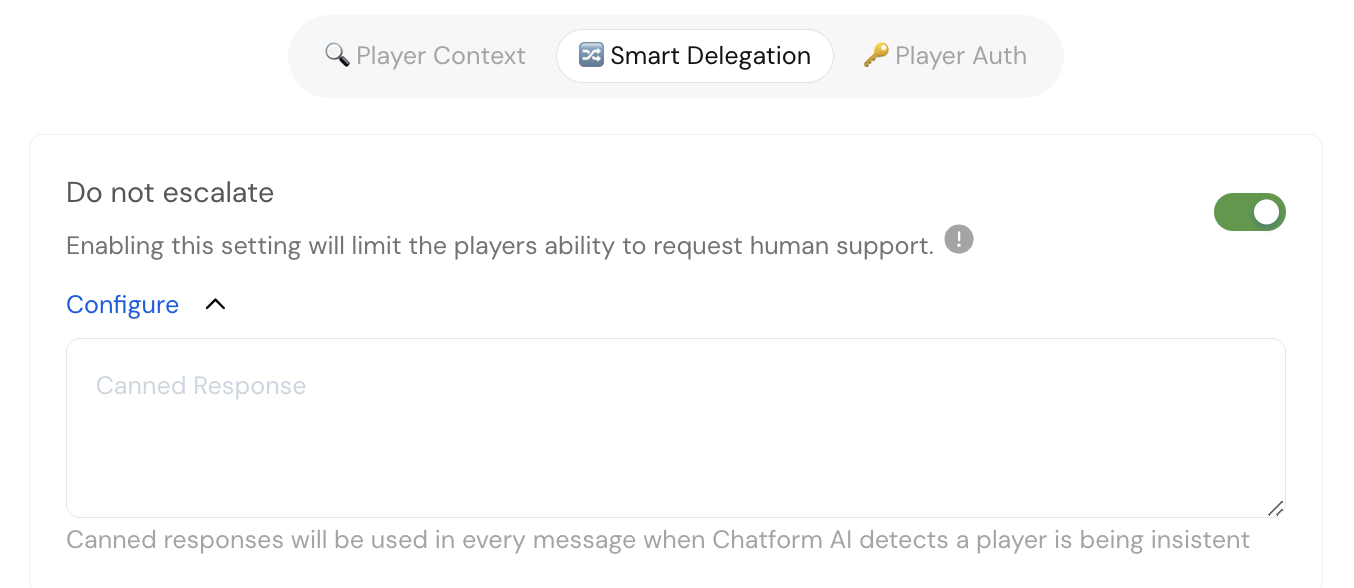
What Still Escalates
Do Not Escalate doesn’t block all escalation. These situations still escalate:- Knowledge gaps — Cevro genuinely doesn’t know the answer
- Responsible gaming concerns — Player shows signs of problem gambling
- Technical errors — Backoffice APIs fail or return errors
- Explicit escalation in instructions — Your AIP instructions specify when to escalate
Escalation vs Containment Metrics
With Do Not Escalate enabled, you’ll see your conversations split between:- Escalated — Handed to human agents (genuine gaps, errors, RG concerns)
- Contained — Resolved by Cevro without human involvement
Related Documentation
- AI Procedures (AIPs) — Creating AIPs with escalation settings
- Smart Delegation — Escalation behavior settings